Software & Productivity
Notion vs ClickUp: Which Workspace Should Your Team Choose?
Compare Notion and ClickUp for docs, wikis, project management, databases, dashboards, automation, AI, onboarding, and team cost in India.
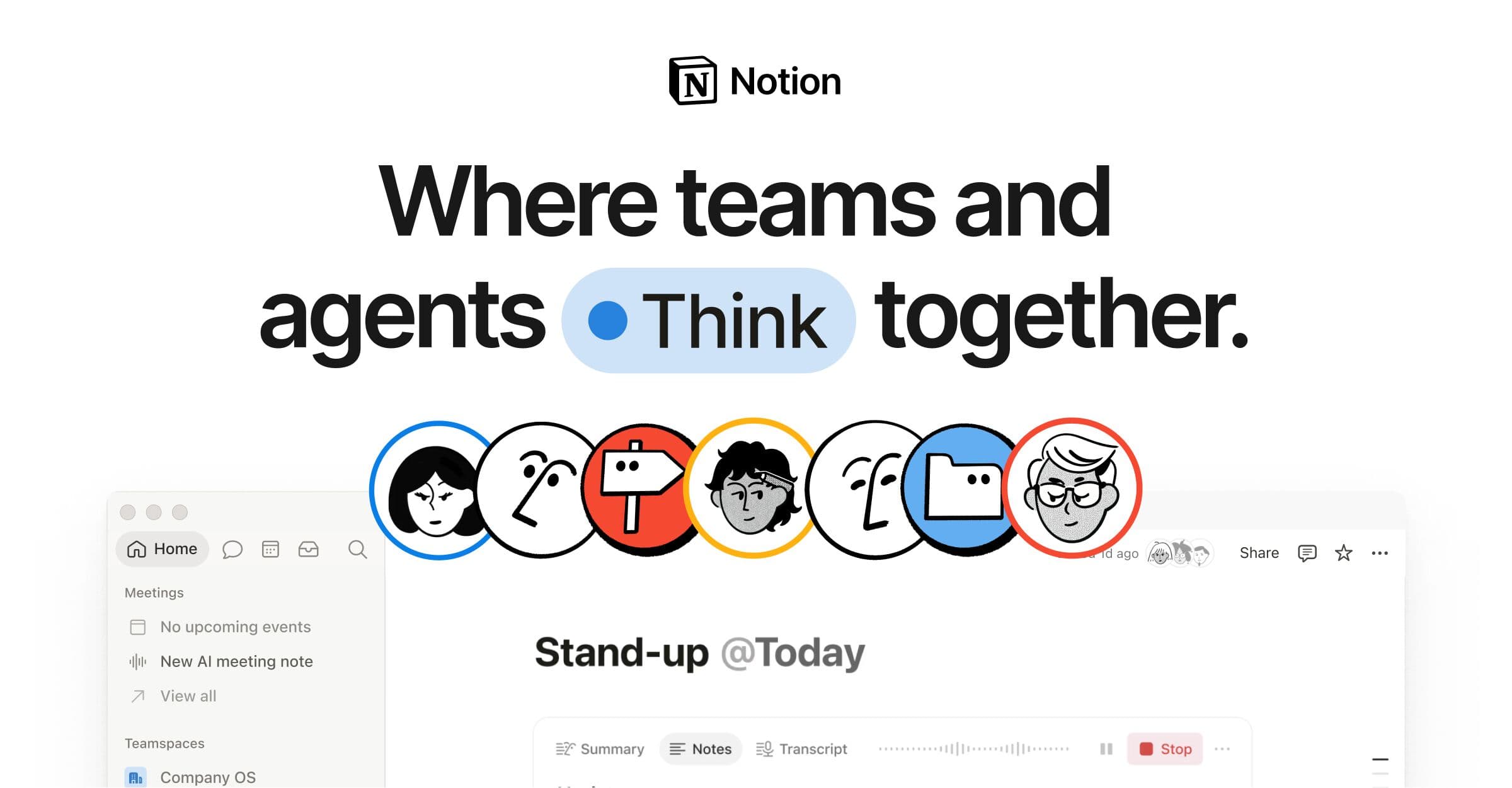
Notion workspace
Notion combines pages, wikis, databases, projects, search, and AI inside a flexible workspace.
Image: Notion
ClickUp workspace
ClickUp focuses on tasks, projects, docs, dashboards, chat, automation, and operational reporting.
Image: ClickUpQuick verdict
Choose Notion when knowledge, documents, wikis, flexible databases, and lightweight project tracking are the centre of work. Choose ClickUp when structured tasks, dependencies, workload planning, dashboards, time tracking, and operational project control matter more.
Best docs and wiki
Notion
Best task control
ClickUp
Best simple workspace
Notion
Best reporting depth
ClickUp
Decision shortcut
Choose faster with these rules
Choose Notion if the main problem is scattered documents, meeting notes, policies, product knowledge, and lightweight planning.
Choose ClickUp if missed deadlines, task ownership, dependencies, workload, status reporting, and client delivery are the bigger problems.
Run a two-week pilot with one real project before migrating the entire company.
Price the full system, including AI, automations, guests, storage, integrations, migration time, and the cost of maintaining workspace standards.
Overview
Choice IQ looks at practical buying factors such as price, daily-use fit, feature depth, support quality, hidden tradeoffs, and long-term value. Use this section to understand where each option genuinely wins, where it compromises, and which buyer should pick it.
Deep comparison
Choice IQ looks at practical buying factors such as price, daily-use fit, feature depth, support quality, hidden tradeoffs, and long-term value. Use this section to understand where each option genuinely wins, where it compromises, and which buyer should pick it.
Pros
- Excellent docs and knowledge structure
- Flexible databases
- Clean workspace experience
Cons
- Project controls can require custom setup
- Open-ended workspaces need governance
Best for whom
Match the choice to the buyer
Knowledge and content teams
Notion
Pages, databases, wikis, and linked knowledge are easier to make the centre of work.
Agencies and operations teams
ClickUp
Task structure, dependencies, dashboards, workload, and delivery controls are stronger.
Small flexible teams
Notion
A clean shared workspace can combine notes, plans, databases, and simple projects.
Complex multi-project teams
ClickUp
More formal hierarchy and reporting make parallel projects easier to govern.
Alternatives
Choice IQ looks at practical buying factors such as price, daily-use fit, feature depth, support quality, hidden tradeoffs, and long-term value. Use this section to understand where each option genuinely wins, where it compromises, and which buyer should pick it.
FAQ
Is Notion better than ClickUp?
Notion is better for docs, wikis, and flexible knowledge work. ClickUp is better for structured task management, dependencies, reporting, and operational delivery.
Can Notion replace ClickUp?
It can for lightweight projects, editorial calendars, and small teams. Complex operations may miss ClickUp's task controls, workload views, time tracking, and dashboards.
Can ClickUp replace Notion?
ClickUp Docs can cover many documentation needs, but teams that prioritise elegant wikis, connected knowledge, and flexible page-based work may still prefer Notion.
Which is better for Indian startups?
Choose based on the bottleneck: Notion for knowledge and collaboration, ClickUp for execution and accountability. Compare final card charges, taxes, AI costs, guests, and migration effort.
Keep reading
Related software & productivity picks

Comparison
Slack vs Microsoft Teams: Which Collaboration App Fits Your Team?
Compare Slack and Microsoft Teams for channels, meetings, files, integrations, administration, AI features, and total software cost for Indian businesses.
Topic hub
Apple
A Choice IQ hub for Apple buying guides, iPhone reviews, MacBook comparisons, AirPods decisions, ecosystem tradeoffs, and long-term value.
Topic hub
Dyson
A Choice IQ hub for Dyson air purifiers, purifier fans, cordless vacuums, hair tools, filter costs, warranty, and India-focused ownership value.
Topic hub
Mental Health
A practical Choice IQ hub for stress, sleep, focus, digital habits, and everyday mental wellbeing decisions for Indian readers.
Topic hub
Minimalist
A Choice IQ hub for Minimalist skincare products, sunscreen, serums, beginner routines, ingredient clarity, and India-focused buying notes.