Software & Productivity
Best Note-Taking Apps in 2026 for Work, Study, and Personal Notes
A practical shortlist of note apps for quick capture, class notes, meeting notes, research, personal knowledge, and cross-device access.
By Maya Iyer · Updated · 12 min read
Short answer
Which is the best note-taking app in 2026?
Notion is best for structured team notes and databases, OneNote for free-form notebooks and Microsoft users, Apple Notes for simple Apple-device capture, Google Keep for fast reminders and lists, and Obsidian for local Markdown notes and personal knowledge management.
Our practical verdict
The best note app is the one you can open quickly and still search six months later. Many people choose an app with impressive templates, then stop using it because capture takes too many steps or the system needs constant maintenance.
Notion is the strongest option when notes need structure. Meeting notes can connect to projects, people, decisions, and databases. It is less ideal when you only want to open an app and write immediately. OneNote is more natural for free-form pages, handwritten class notes, screenshots, and large subject notebooks.
Apple Notes is difficult to beat for people who already own an iPhone and Mac. Scanning documents, checklists, shared notes, and quick capture feel effortless. Google Keep plays a similar role for lightweight notes and reminders across Android and the web, although it is not designed for deep long-form knowledge management.
Shortlist
Recommended options to compare
Use this as a starting list, then compare live India prices and warranty before buying.
Pick 1
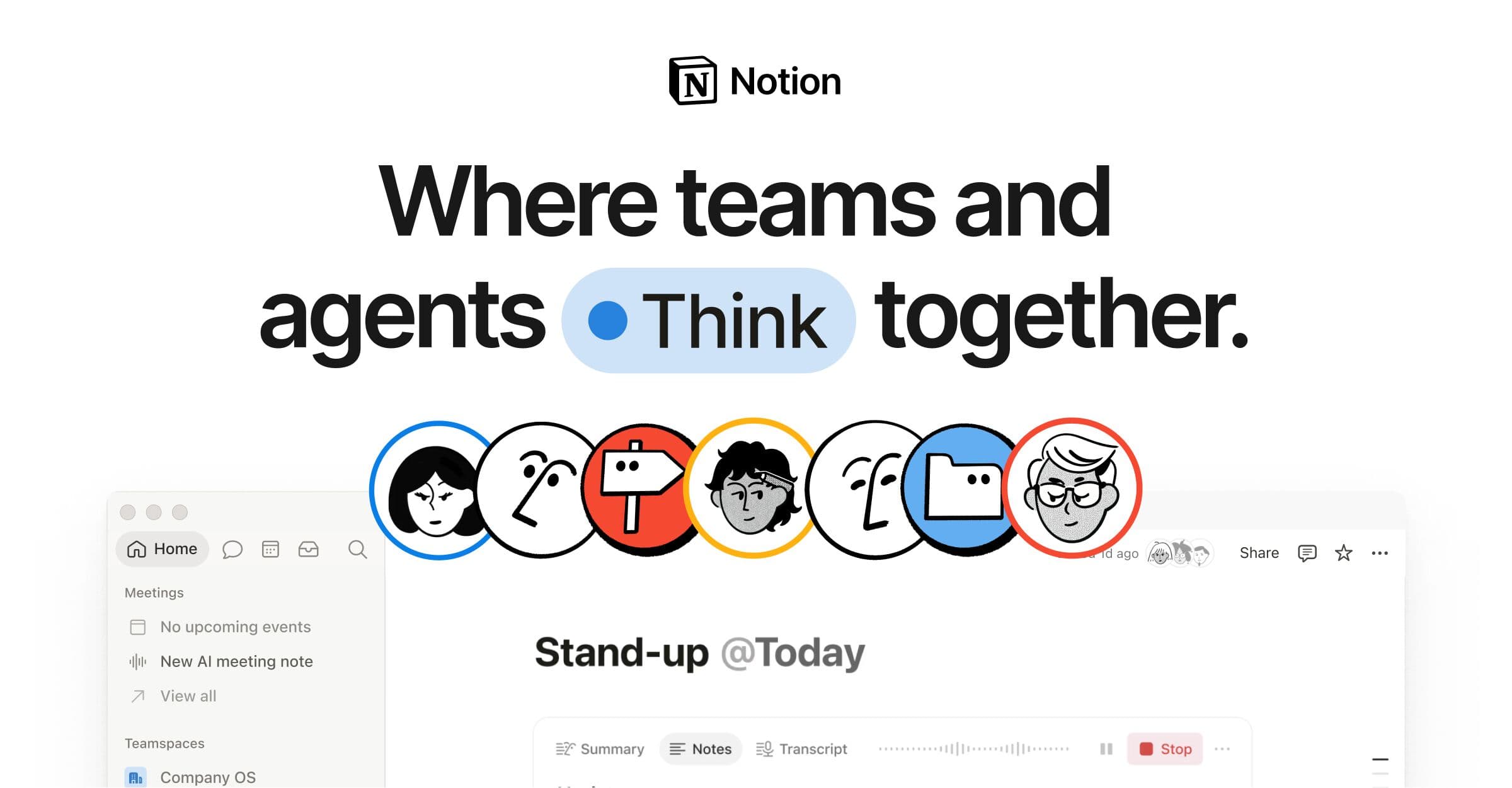
Notion
Best for structured notes, team wikis, meeting databases, linked projects, templates, and collaborative knowledge.
Pick 2
Microsoft OneNote
Best for free-form notebooks, handwriting, class material, and people already using Windows and Microsoft 365.
Pick 3
Apple Notes
Best no-friction option for iPhone, iPad, and Mac users who want fast capture, scans, checklists, and shared notes.
Pick 4
Google Keep
Best for short notes, reminders, shopping lists, quick voice capture, and simple Google-account syncing.
Pick 5
Obsidian
Best for local Markdown files, backlinks, research notes, long-term ownership, and users willing to design their own system.
Which option should you choose?
Notion
Best for structured notes, team wikis, meeting databases, linked projects, templates, and collaborative knowledge.
Microsoft OneNote
Best for free-form notebooks, handwriting, class material, and people already using Windows and Microsoft 365.
Apple Notes
Best no-friction option for iPhone, iPad, and Mac users who want fast capture, scans, checklists, and shared notes.
Google Keep
Best for short notes, reminders, shopping lists, quick voice capture, and simple Google-account syncing.
Obsidian
Best for local Markdown files, backlinks, research notes, long-term ownership, and users willing to design their own system.
Choice IQ pick
Need the faster shortlist?
Start with our recommended options, then compare the tradeoffs that matter for your budget and workflow.
See top picksHow to decide
Pick the option around the job you need done. This is the fastest way to avoid paying for something that looks impressive but does not change your real workflow.
| Situation | Best starting point | Final check |
|---|---|---|
| Notion | Best for structured notes, team wikis, meeting databases, linked projects, templates, and collaborative knowledge. | Use this as a shortlist, then verify the final details before committing. |
| Microsoft OneNote | Best for free-form notebooks, handwriting, class material, and people already using Windows and Microsoft 365. | Use this as a shortlist, then verify the final details before committing. |
| Apple Notes | Best no-friction option for iPhone, iPad, and Mac users who want fast capture, scans, checklists, and shared notes. | Use this as a shortlist, then verify the final details before committing. |
| Google Keep | Best for short notes, reminders, shopping lists, quick voice capture, and simple Google-account syncing. | Use this as a shortlist, then verify the final details before committing. |
Read the editorial notes
Obsidian is the specialist choice. Notes remain Markdown files, links build a personal knowledge graph, and plugins can shape the workflow. That control also creates responsibility: you must decide how files sync, how backups work, and which plugins you trust.
Indian students and professionals should test offline access, Android and Windows support, data usage, export formats, handwriting, regional-language input, and the final subscription charge after taxes. Do not migrate years of notes until you have exported a sample notebook and confirmed it opens outside the app.
Start with one real week. Capture meeting notes, one long document, receipts or scans, quick reminders, and a research topic. The app that retrieves the right note fastest is usually the better choice, even if another app has more features.
Decision shortcut
Still comparing options?
Use the table above to shortlist your best fit, then check related picks, tools, and buying guides before you make the final call.
FAQ
Which is the best note-taking app in 2026?
Notion is the best structured workspace, OneNote the best free-form notebook, Apple Notes the easiest Apple option, Google Keep the fastest simple capture tool, and Obsidian the strongest local-first knowledge app.
Which note app is best for students in India?
OneNote is strong for handwritten and subject-based notebooks, Notion for organised databases and study plans, and Google Keep for quick reminders. Choose the app that works reliably across your phone and laptop.
Which note app is best for privacy?
A local-file app such as Obsidian gives more direct control over storage, but privacy still depends on sync, plugins, backups, device security, and the services you connect.
Features, storage limits, AI options, and subscription prices can change. Verify current plan details and export options before moving important notes.
AI Tools Editor
Maya reviews AI products, productivity systems, and automation workflows with a focus on practical adoption.
Keep reading
Related software & productivity picks

Topic hub
Personal Finance Tools
Calculators, explainers, and recommendations for managing spending, saving, borrowing, and rewards.
Comparison
Notion vs ClickUp: Which Workspace Should Your Team Choose?
Compare Notion and ClickUp for docs, wikis, project management, databases, dashboards, automation, AI, onboarding, and team cost in India.
Topic hub
Health Recommendations
Curated Choice IQ recommendations for fitness trackers, skincare basics, nutrition products, and home health devices worth comparing in India.
Topic hub
Fitbit
A practical Fitbit hub for fitness trackers, sleep tracking, app quality, battery life, India availability, and wearable alternatives.
Topic hub
Mental Health
A practical Choice IQ hub for stress, sleep, focus, digital habits, and everyday mental wellbeing decisions for Indian readers.
The best choice is rarely the product with the longest feature list. It is the one you will still trust and use six months from now.
How Choice IQ evaluated this guide
Choice IQ compared note-taking apps by capture speed, search, structure, collaboration, handwriting, offline access, export quality, cross-device support, privacy controls, India billing friction, and the effort required to maintain the system.
Weekly intelligence
Get smarter AI tool picks weekly.
One useful email with practical comparisons, refresh alerts, and decision frameworks for people who do not want another noisy newsletter.